One builder, four phases, every industry a seller sells in
ONE lets a seller describe their business, pick an industry — e-commerce, logistics, or manufacturing — and walk away with a fully working online store: homepage, product listing, product detail, cart, checkout, and order tracking, styled to their brand, with an admin dashboard to run it and an AI assistant to sell for them. Think Shopify's theme-and-launch model, rebuilt to span industries that don't shop the same way.
Setup & Operations
- Guided setup wizard — needs, template, features, plan
- CMS: dashboard, catalog, inventory, orders, team & roles
Storefront
- Industry templates — full home-to-order-tracking flow
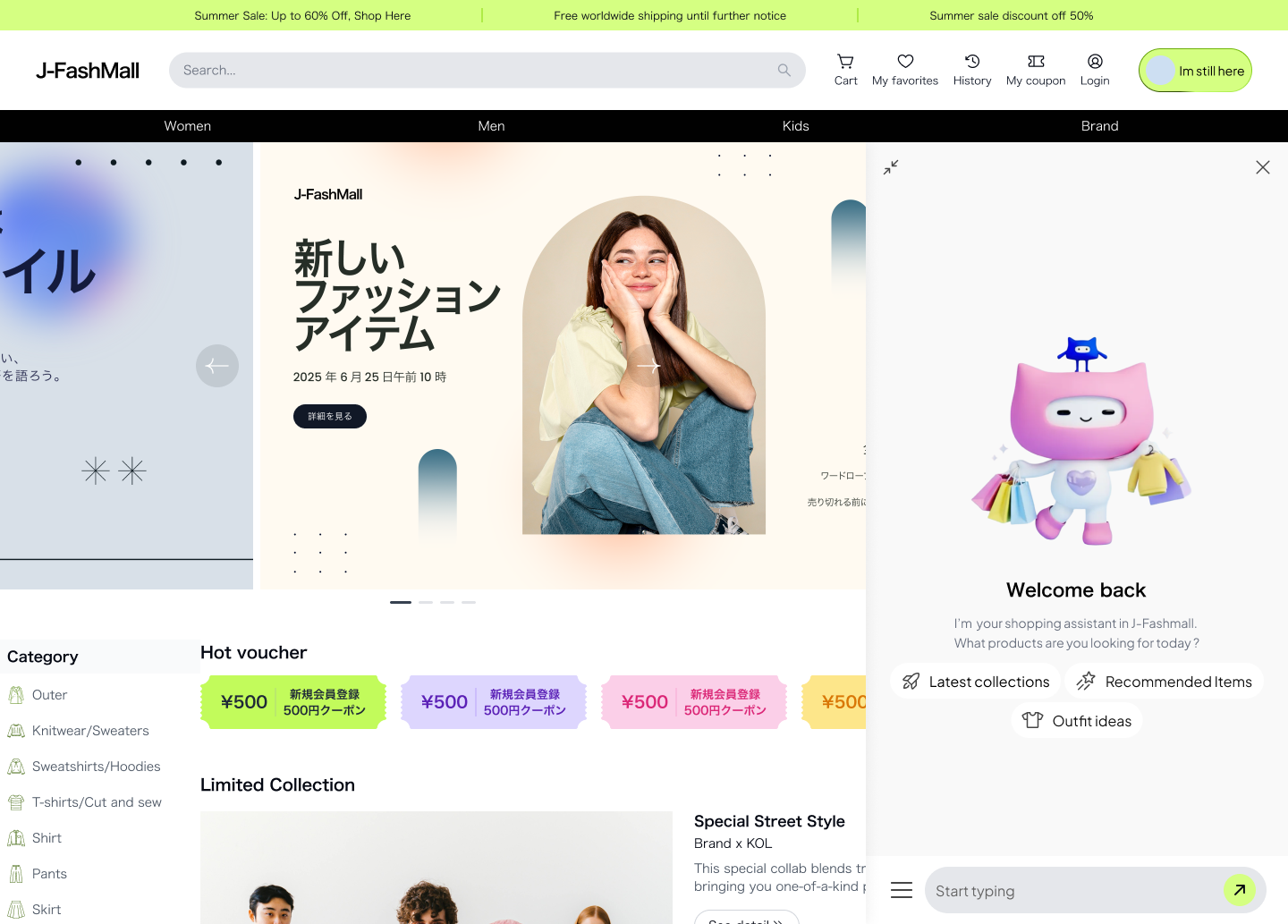
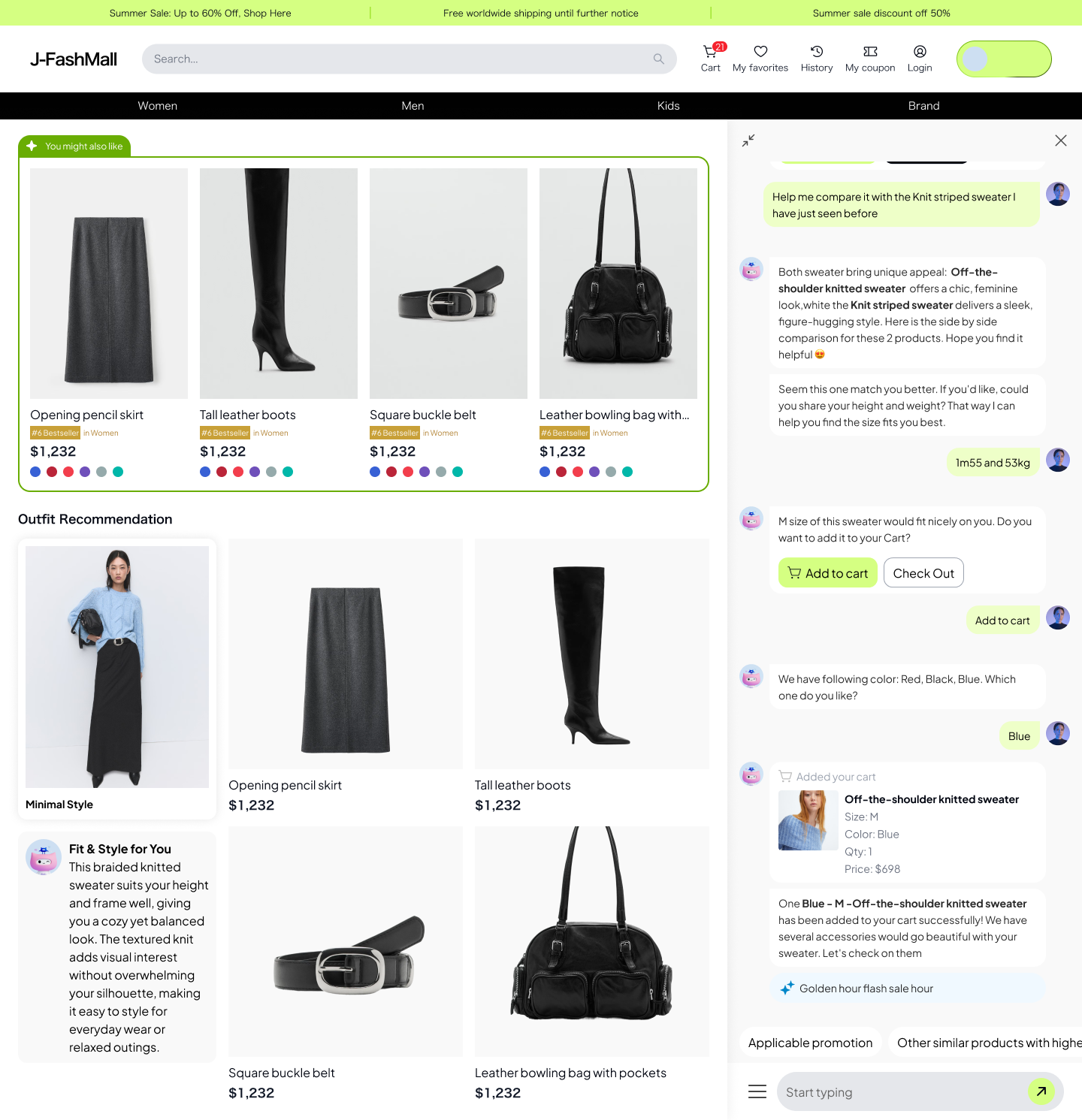
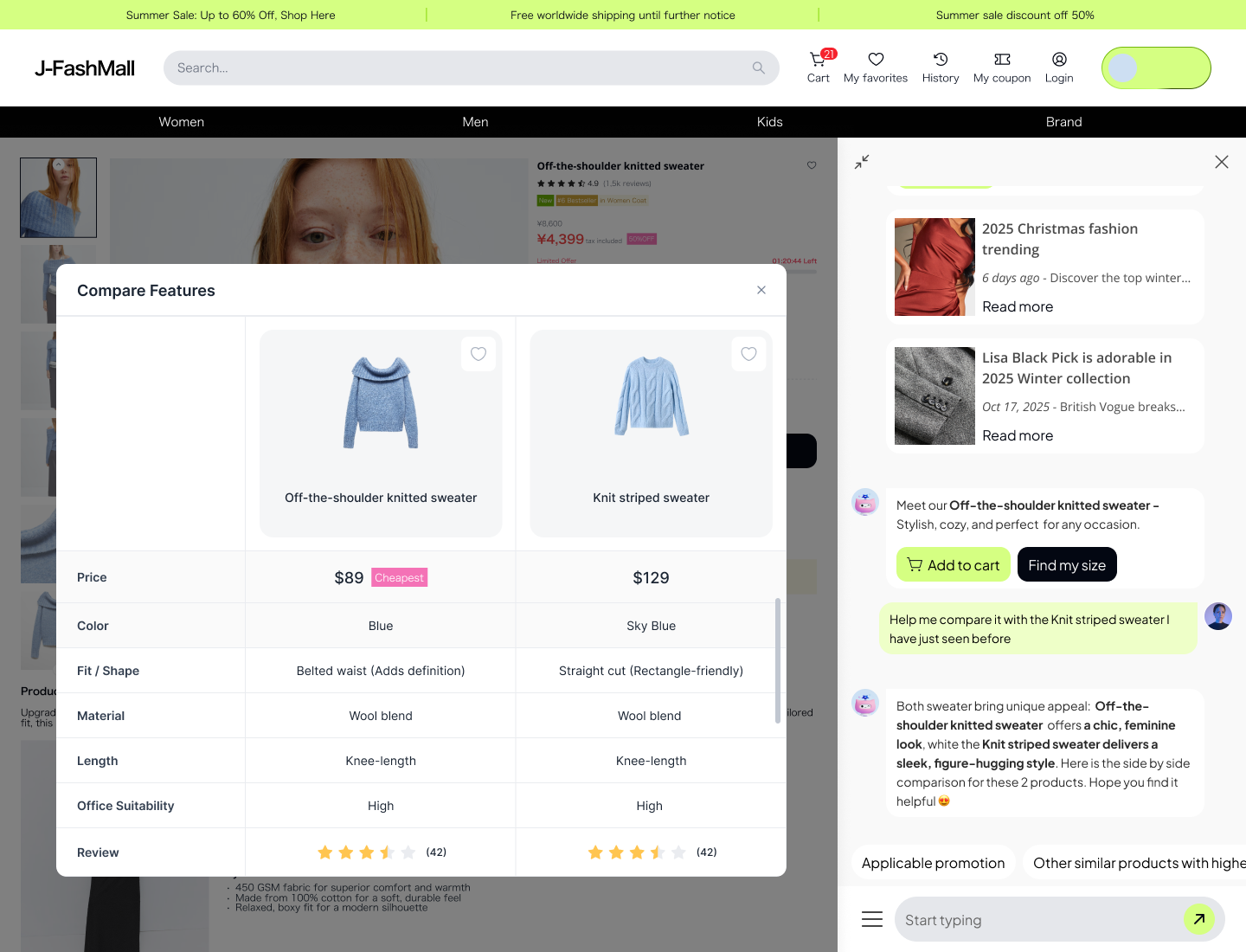
- AI shopping assistant embedded on every template
ONE Product — from a blank need to a priced, submittable plan
The setup wizard is the first thing a seller touches, and the moment ONE has to earn trust: turn a vague need into a concrete, priced store plan in one sitting, with an AI assistant standing in for the sales conversation a seller would otherwise have to book.
The First-Time Seller
Context
An independent seller or small team launching their first online store — e-commerce, logistics, or manufacturing — with no in-house developer, no design team, and no prior experience scoping a website build.
Goals
- Get a working, on-brand store live without hiring an agency or developer
- Know the exact cost and timeline before committing any budget
- Move at their own pace — explore options first, or move straight to building if they already know what they want
Pain points
- Doesn't know what “features” a store like theirs actually needs, or what they're called
- Can't judge a feature list or a generic mockup — needs to see it on a real page to know if it's right
- A template that looks like everyone else's doesn't feel like their brand
- A verbal quote from a salesperson is slow, vague, and easy to walk away from mid-conversation
Two entry paths, one merge point, then a straight line to a submitted plan.
Provide your needs
Pick a category, get a recommended template.
Browse templates
Browse 50+ templates by category, cost & schedule.
Select your features
Toggle by hand, ask the AI, or restyle live.
View your plan
Cost & schedule estimate, submitted to Sales.
Six flows carry that journey — each one below pairs the requirement with the solution that answered it.
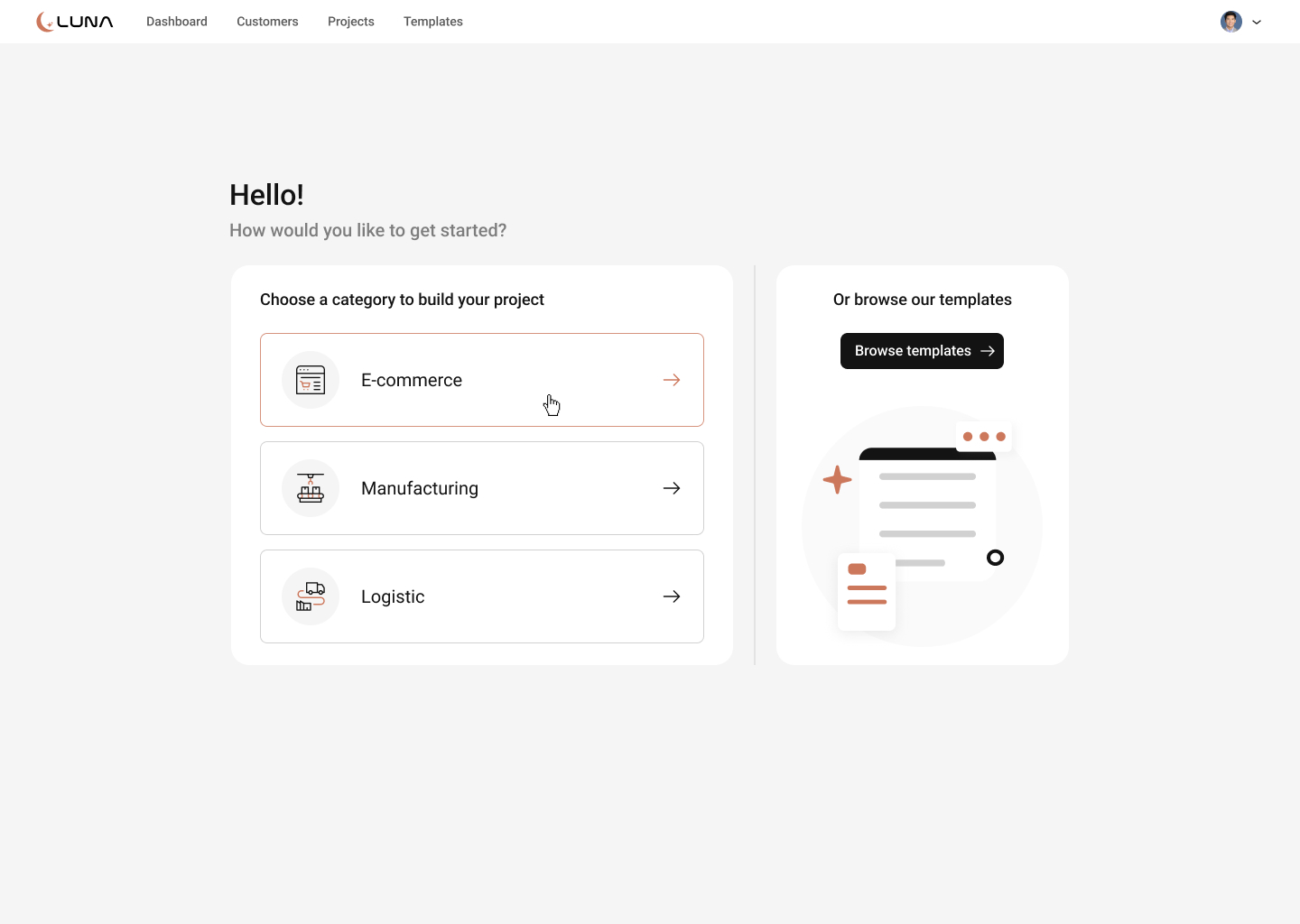
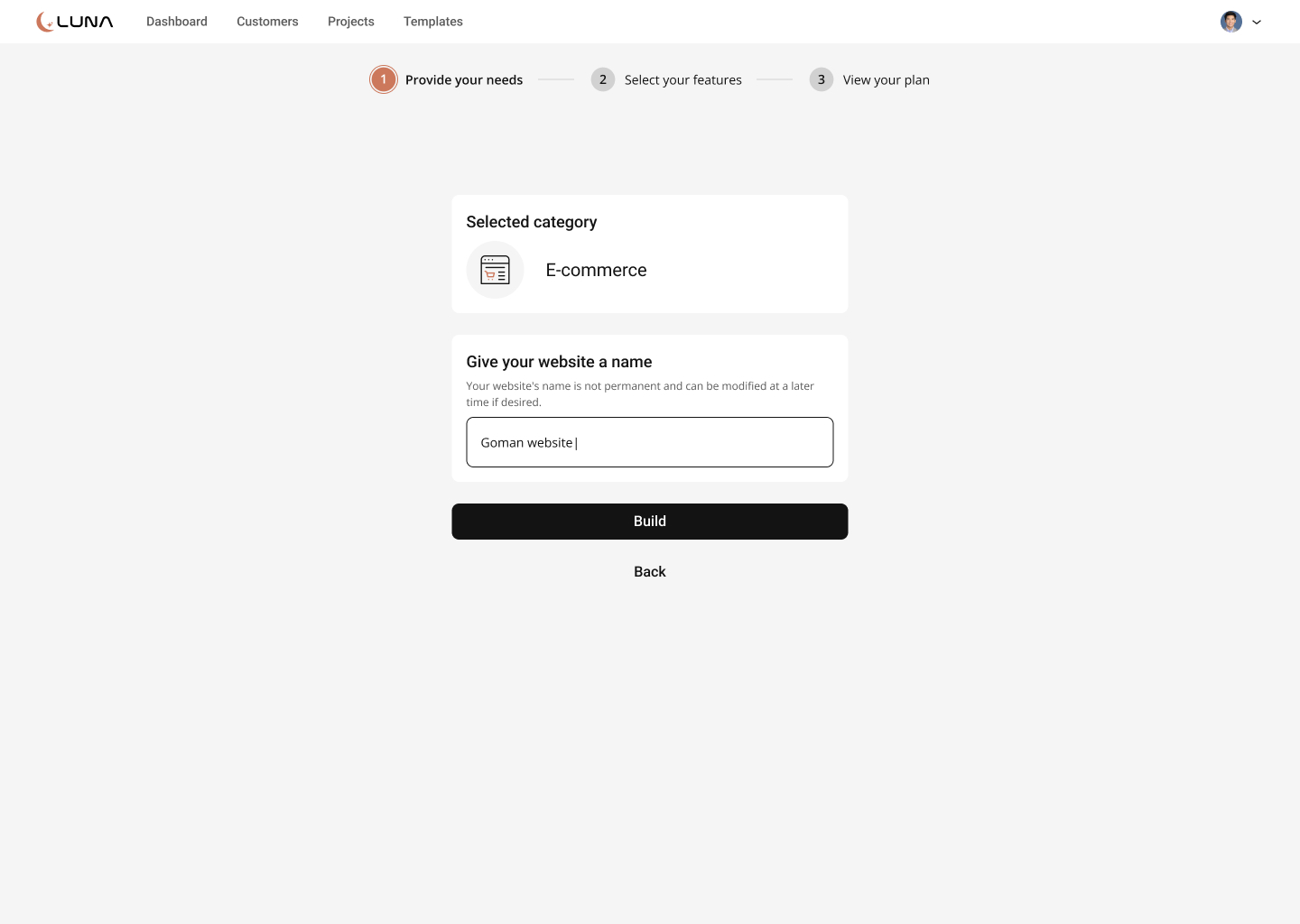
Provide your needs
A first-time seller doesn't have a spec, only a business — asking for full requirements up front causes drop-off.
One required choice, a business category, plus an optional site name. Everything else comes later.
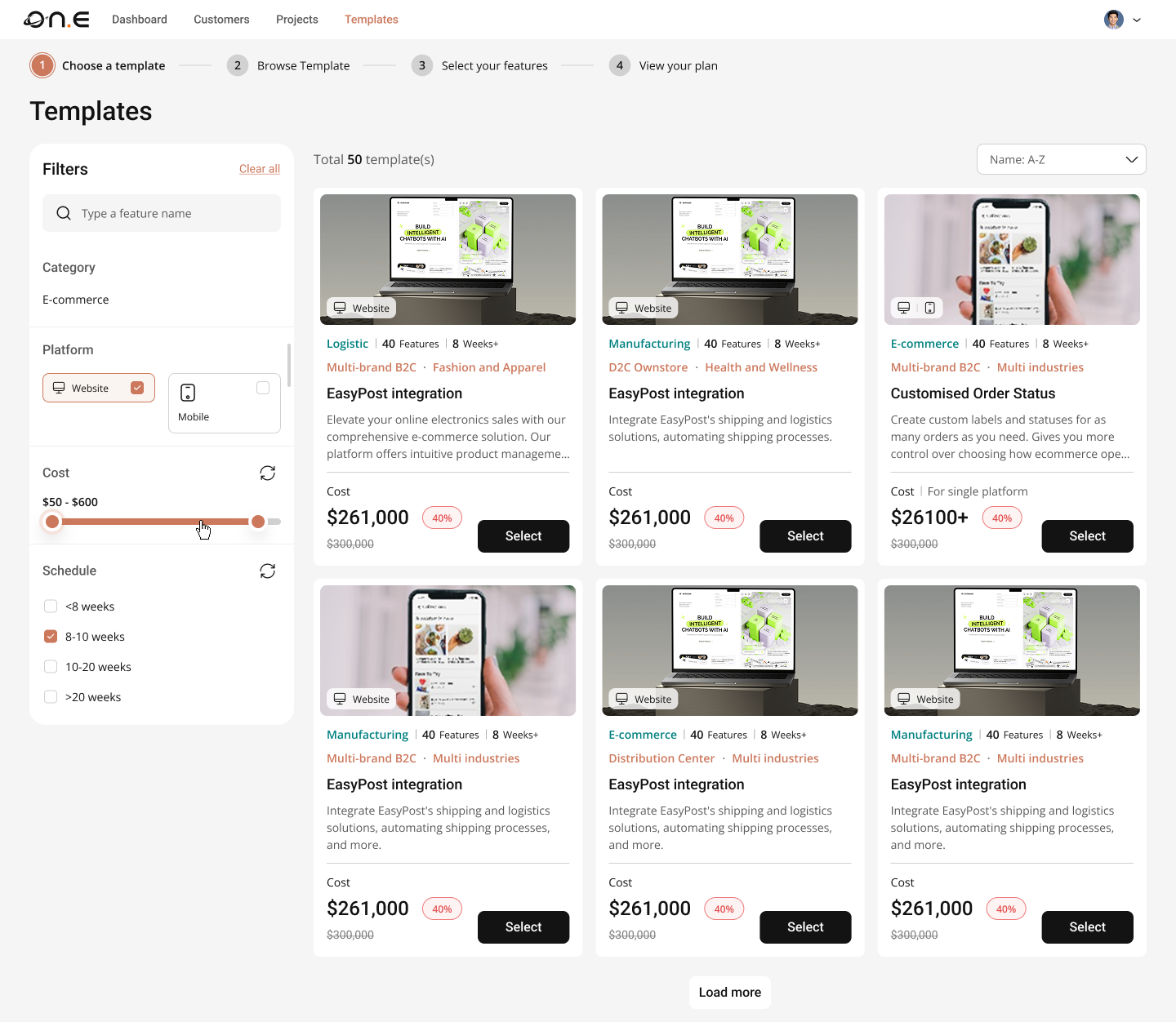
Two paths to a template
Some sellers know exactly what they want; others want to browse first. One funnel loses whichever group it wasn't built for.
Two equal entry points — guided category pick, or browse 50+ templates — both merging into the same feature builder.
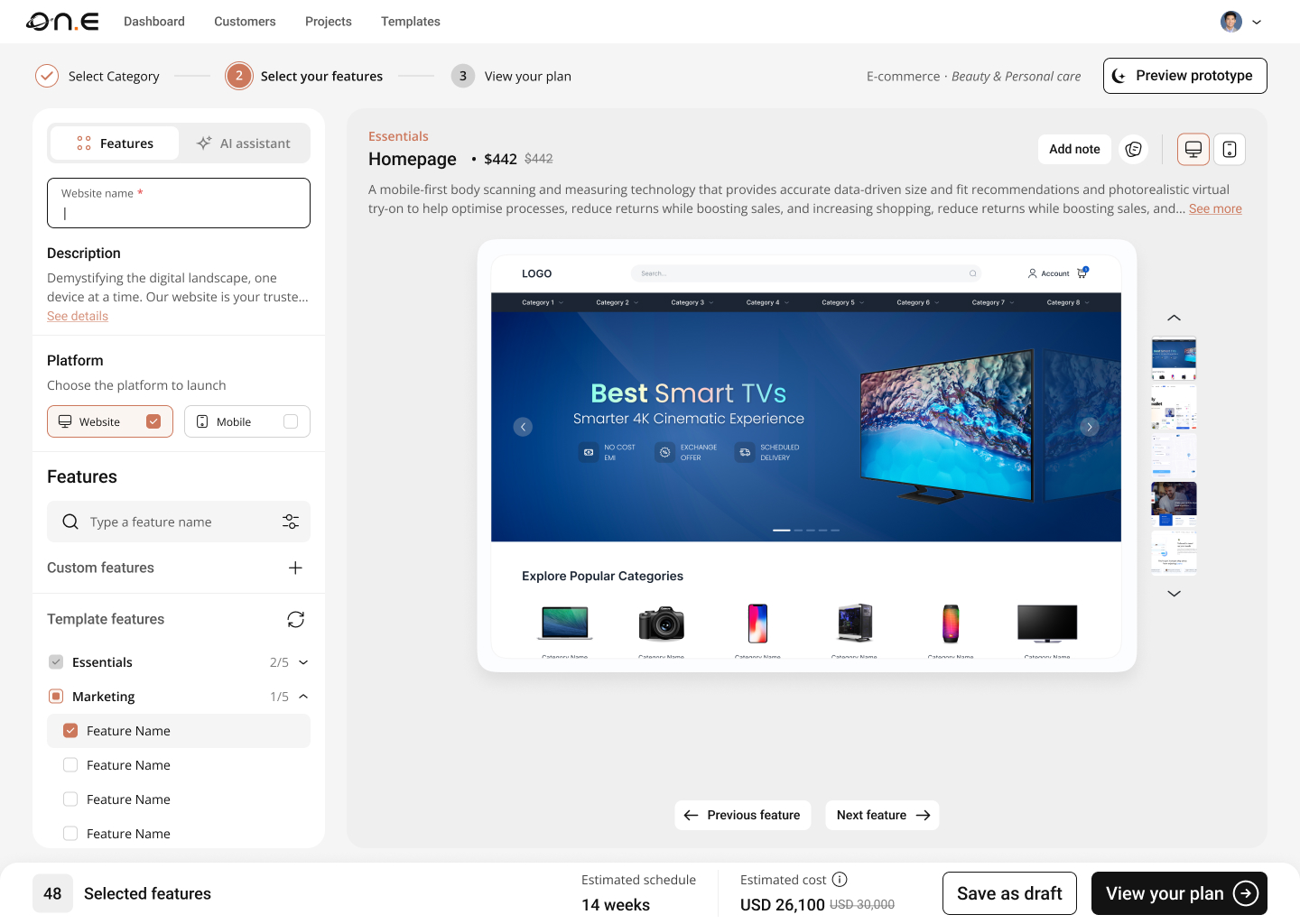
Feature builder with a live prototype
A feature checklist means nothing to a seller who isn't a developer — they need to see it on a real page.
Every toggle updates a live prototype and its price in real time, split by Website/Mobile.
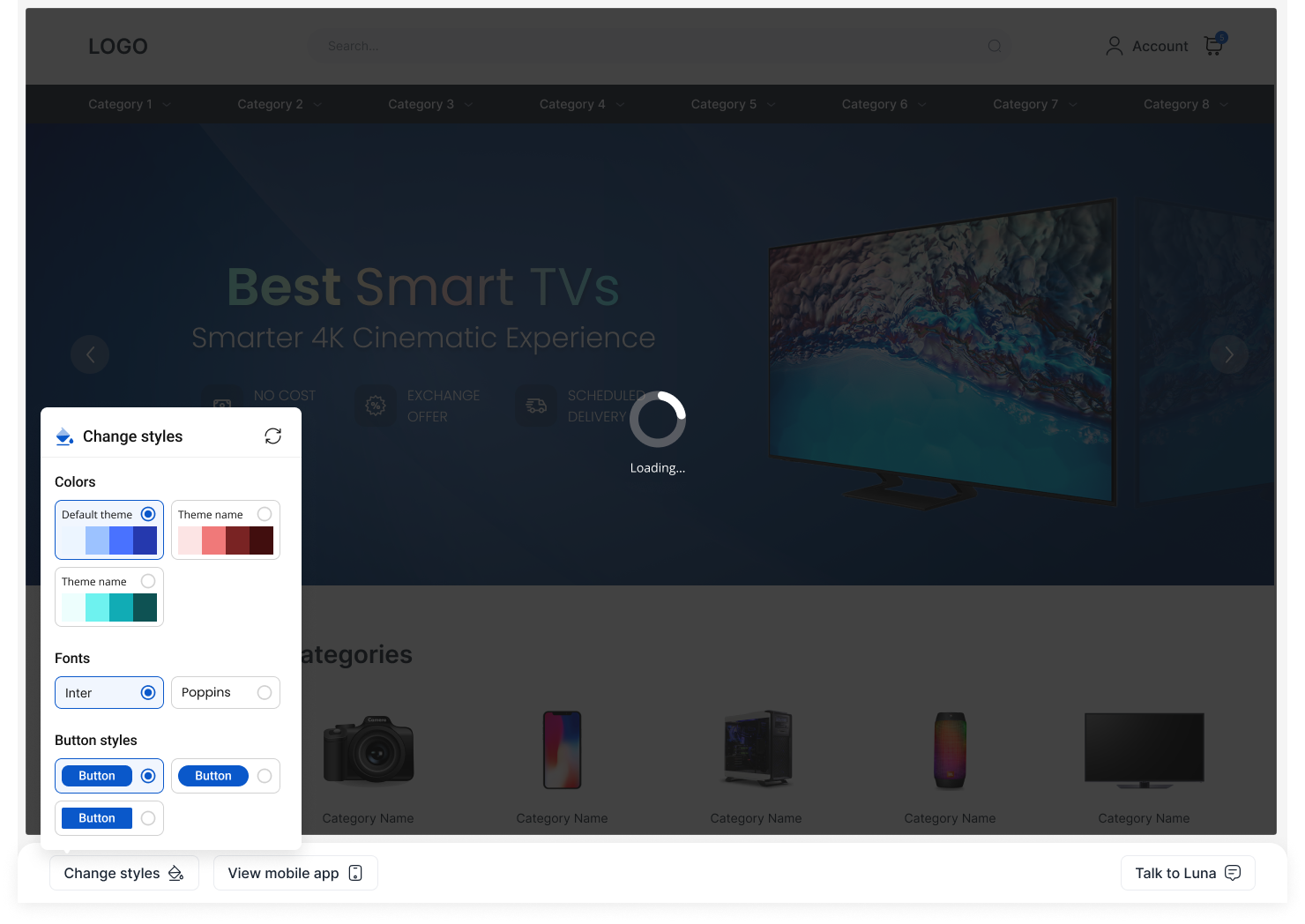
Theming — change styles live
A generic-looking template doesn't feel like the seller's own brand.
Color, font, and button style restyle live, directly on the prototype — zero code, no designer needed.
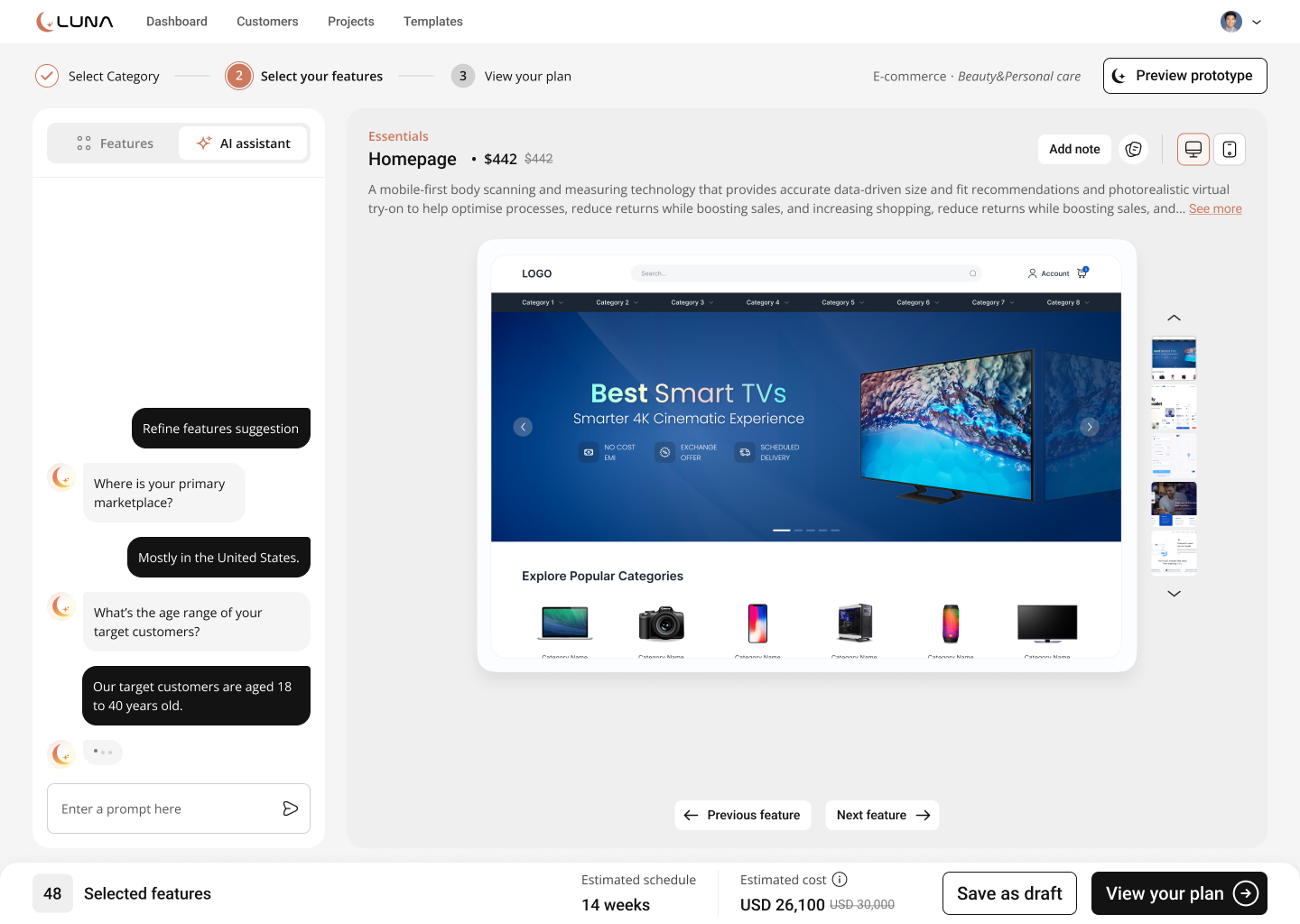
AI assistant as a feature co-pilot
The manual feature list stalls a seller who doesn't know what they actually need.
An AI tab asks a few plain questions and proposes a feature set the seller can still edit by hand.
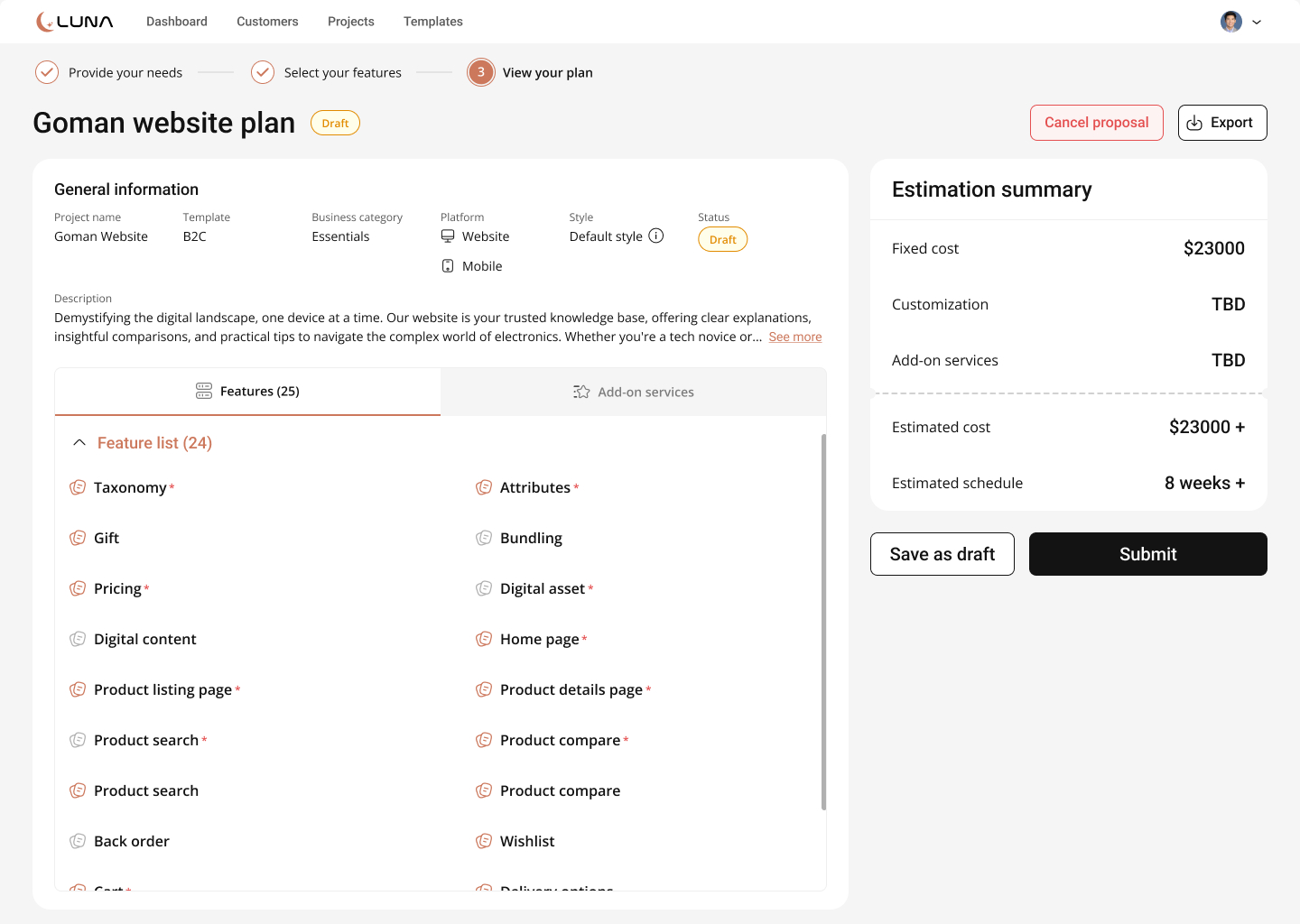
Plan & handoff
A seller commits budget, not features — a verbal quote is slow and easy to walk away from.
One auto-generated document with cost and schedule — saved, exported, or submitted straight into Sale management.
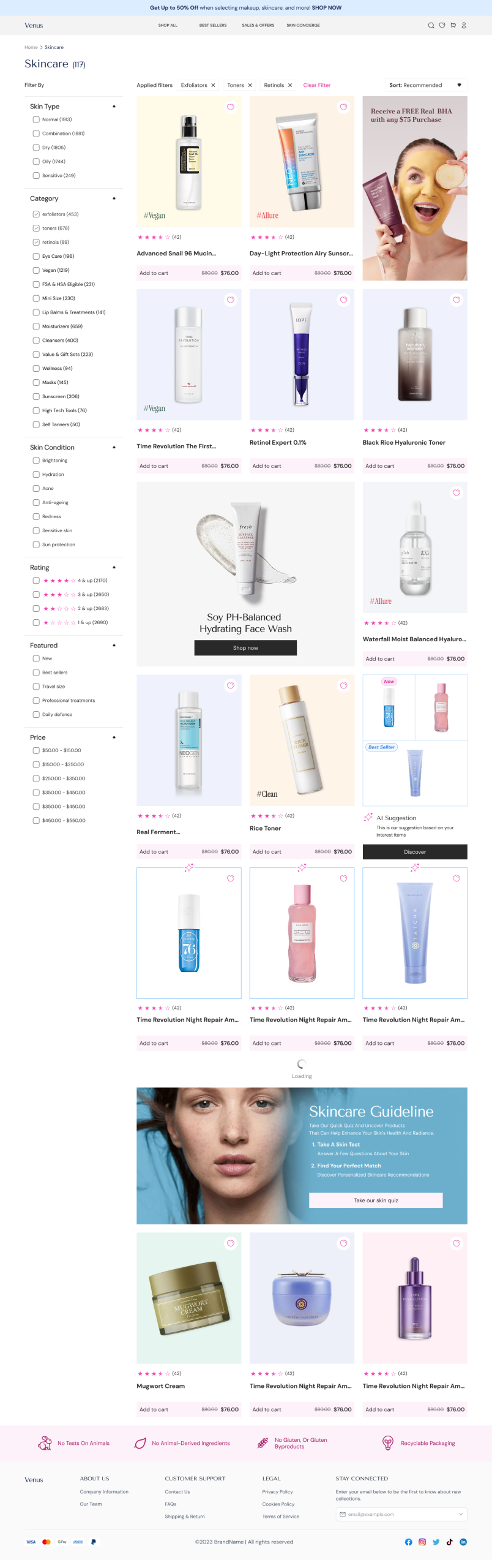
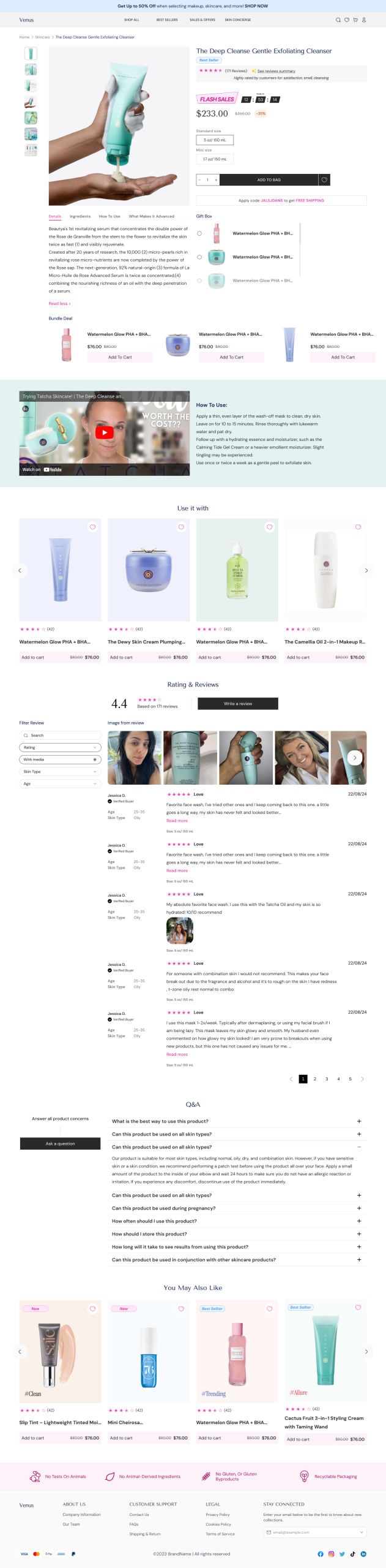
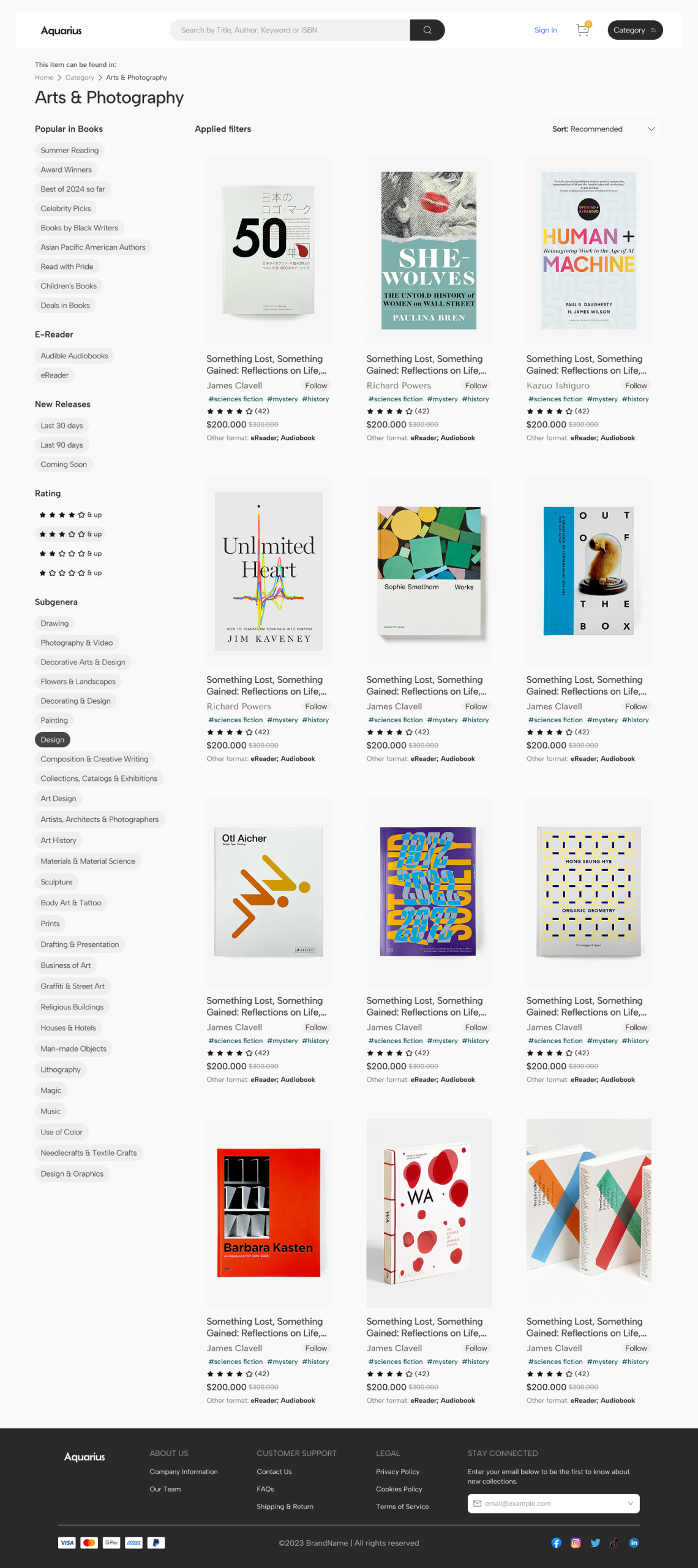
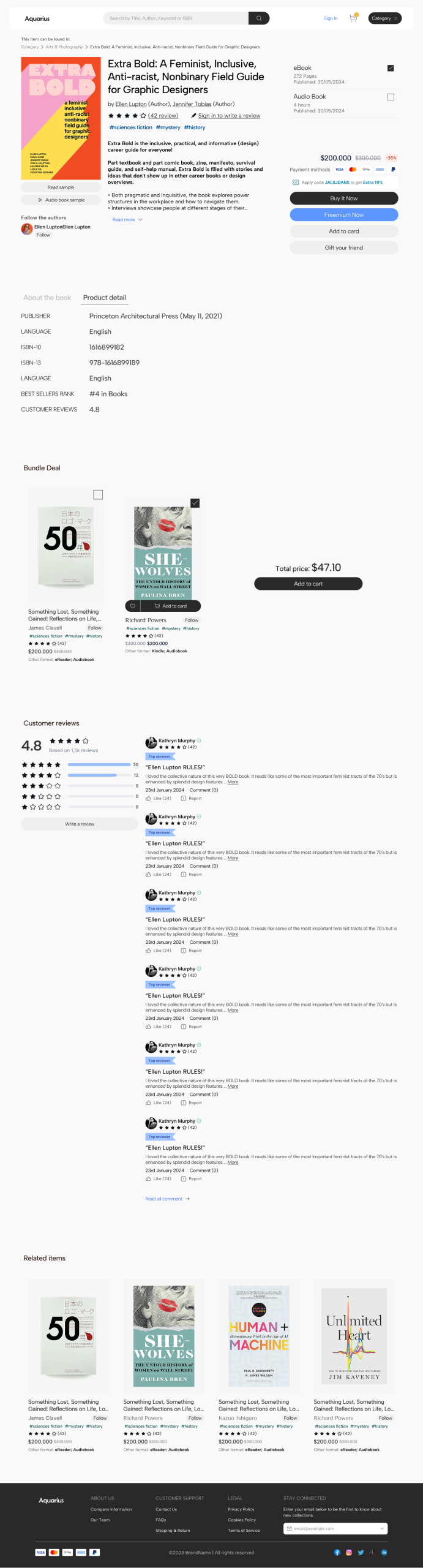
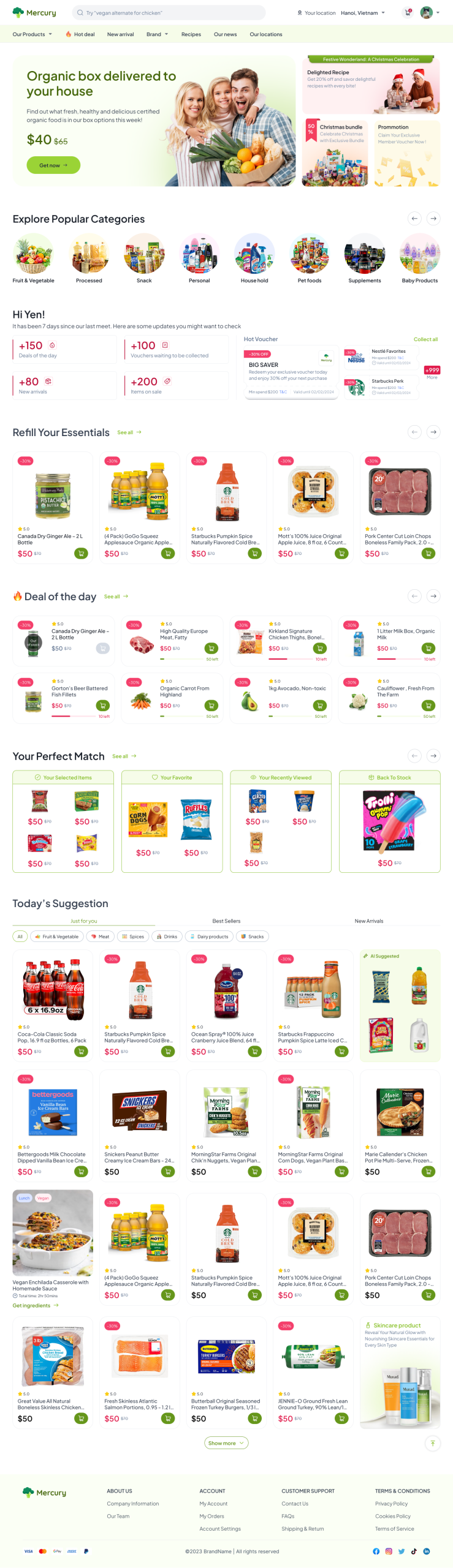
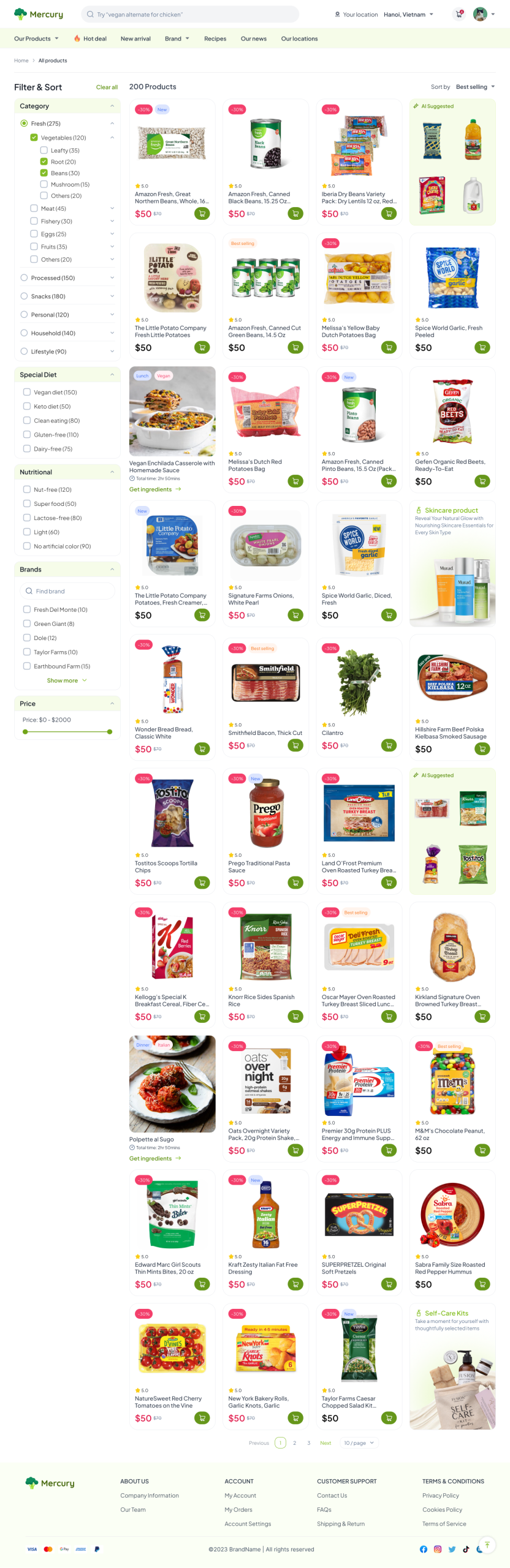
Template library — one commerce flow, every vertical
Every template in the library ships the same six-page flow — homepage, product listing, product detail, cart, checkout, and order tracking — because a seller shouldn't have to redesign the buying journey, only restyle and re-merchandise it for their category.


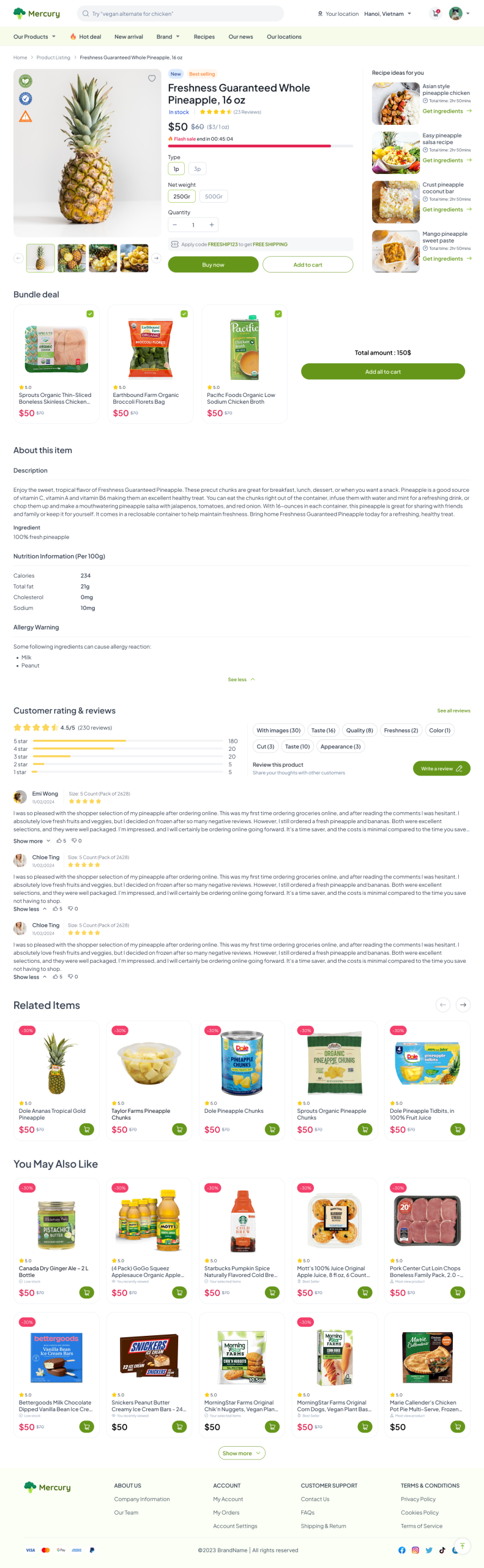
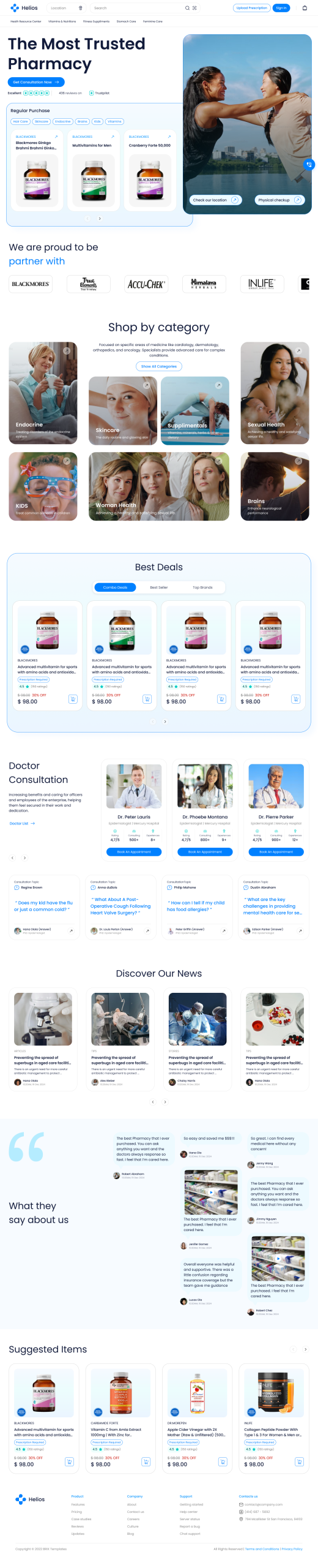
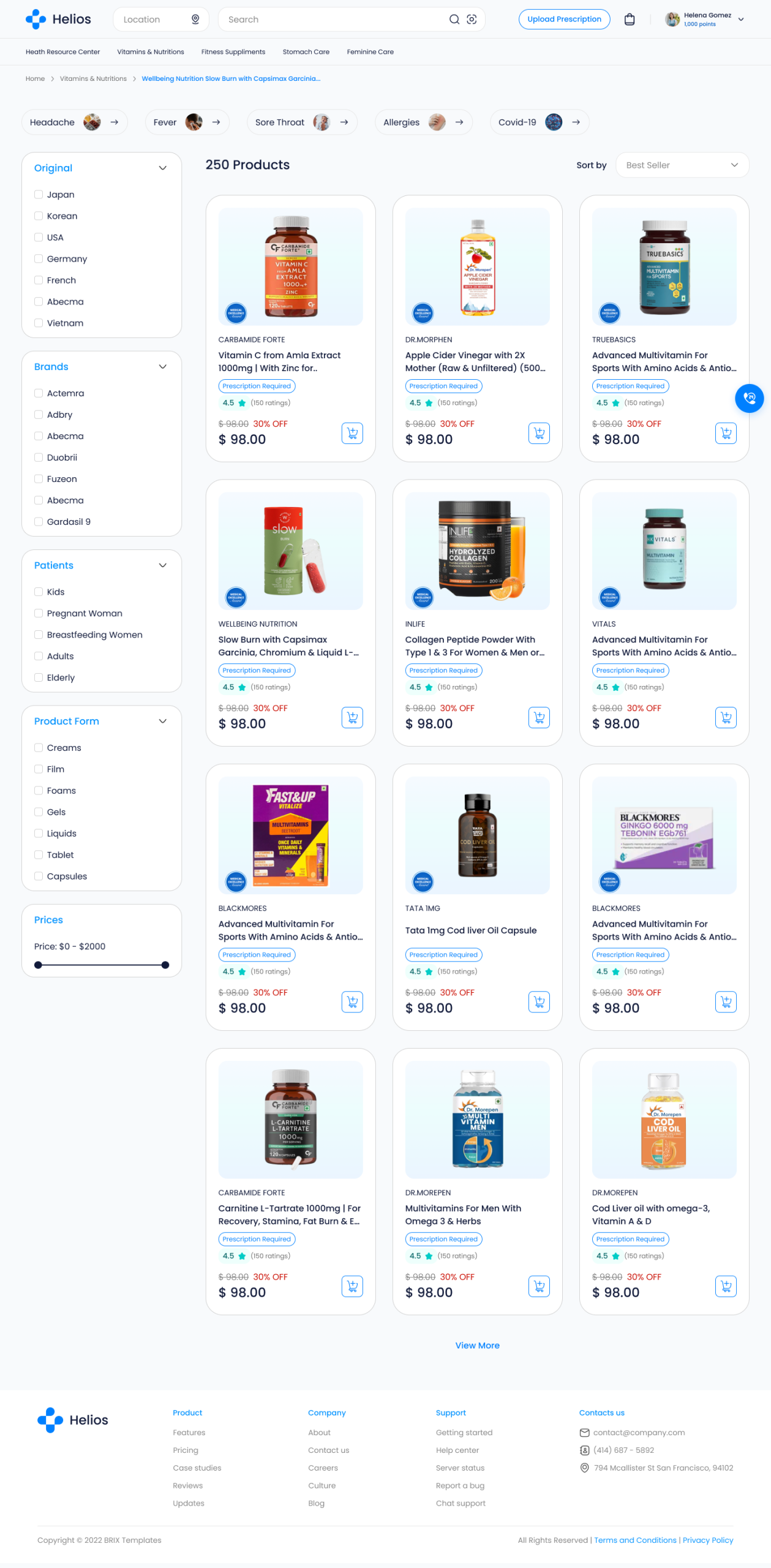
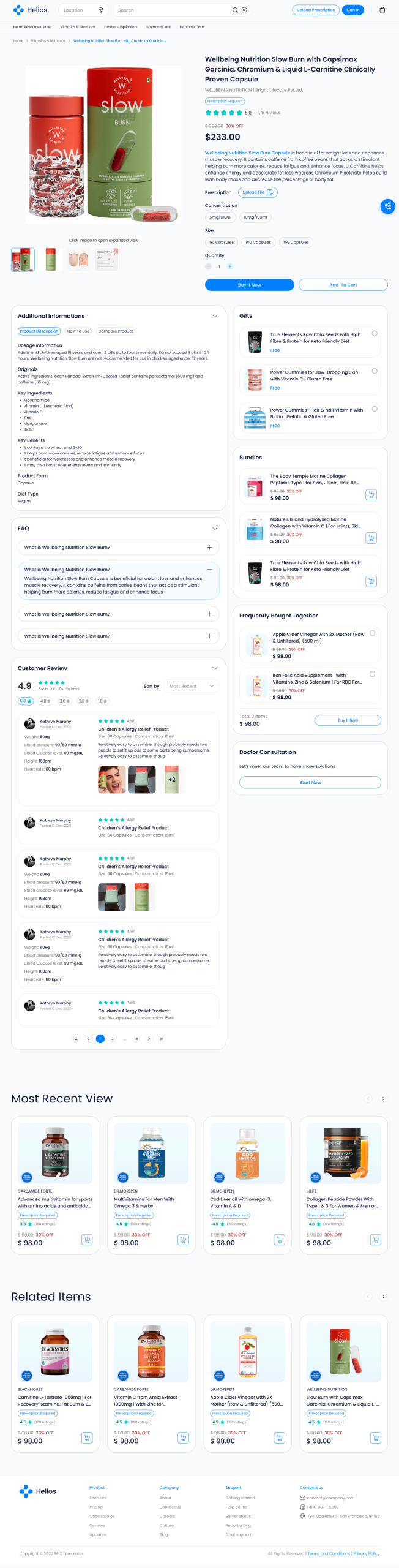
CMS — where the seller actually runs the business
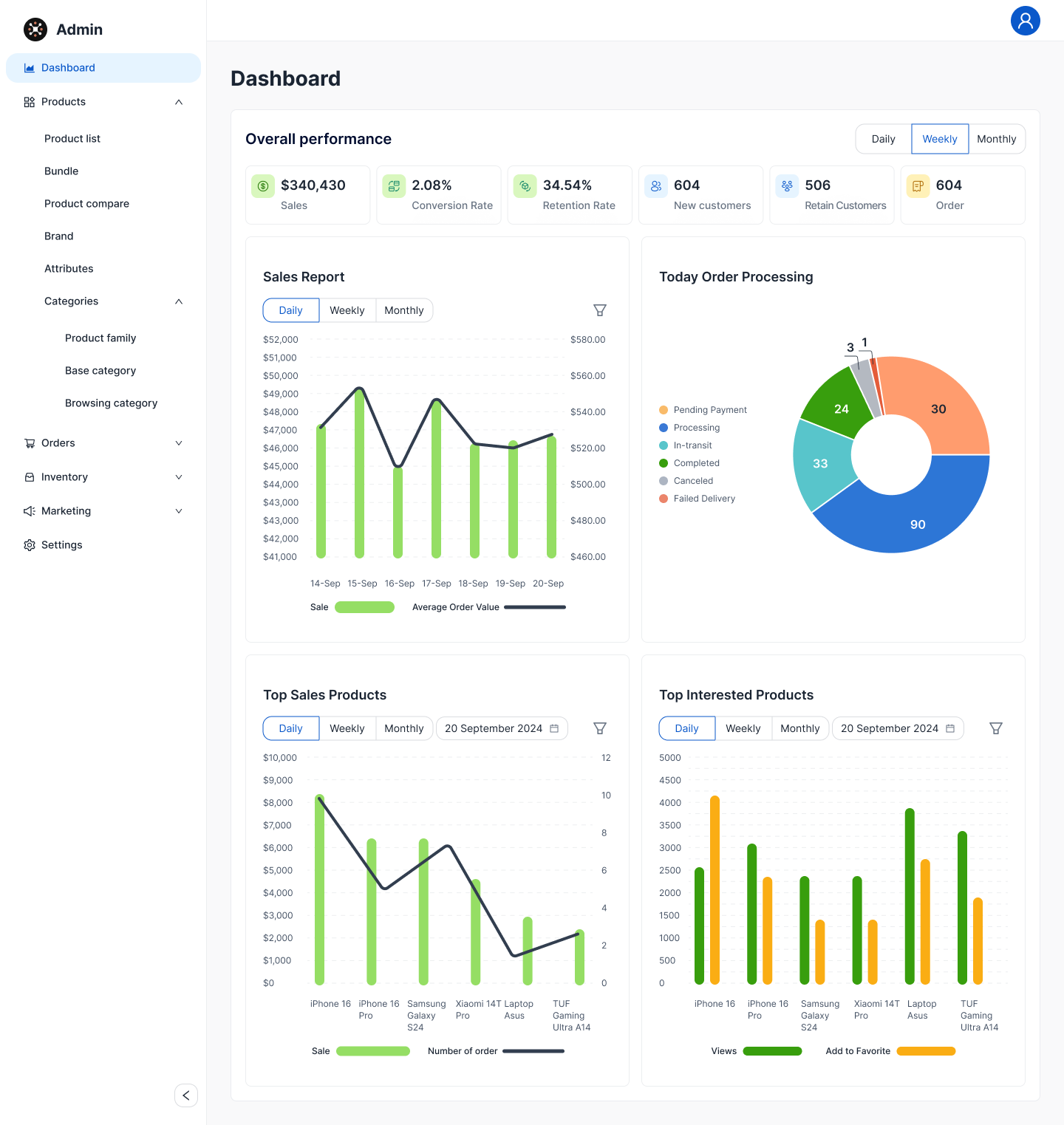
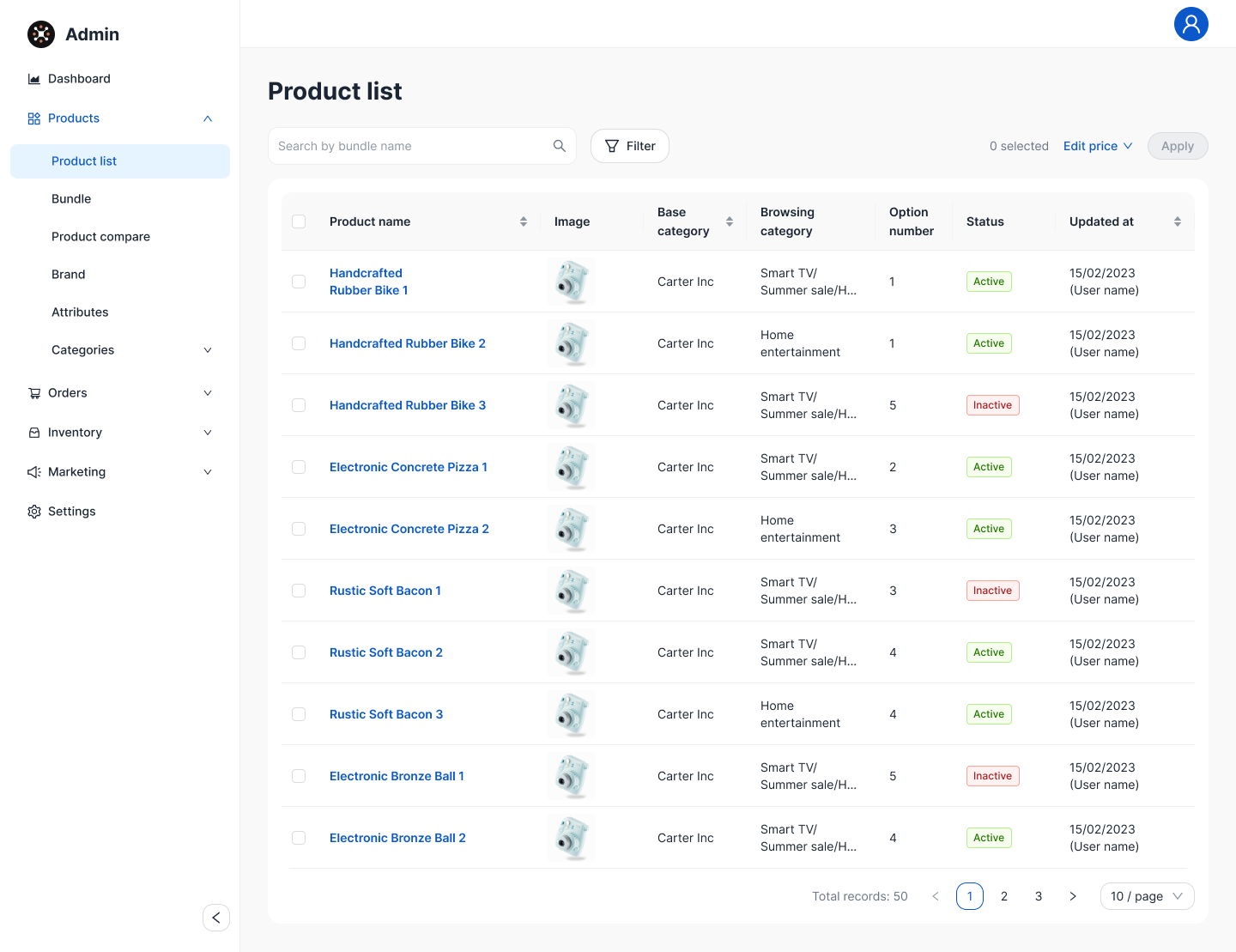
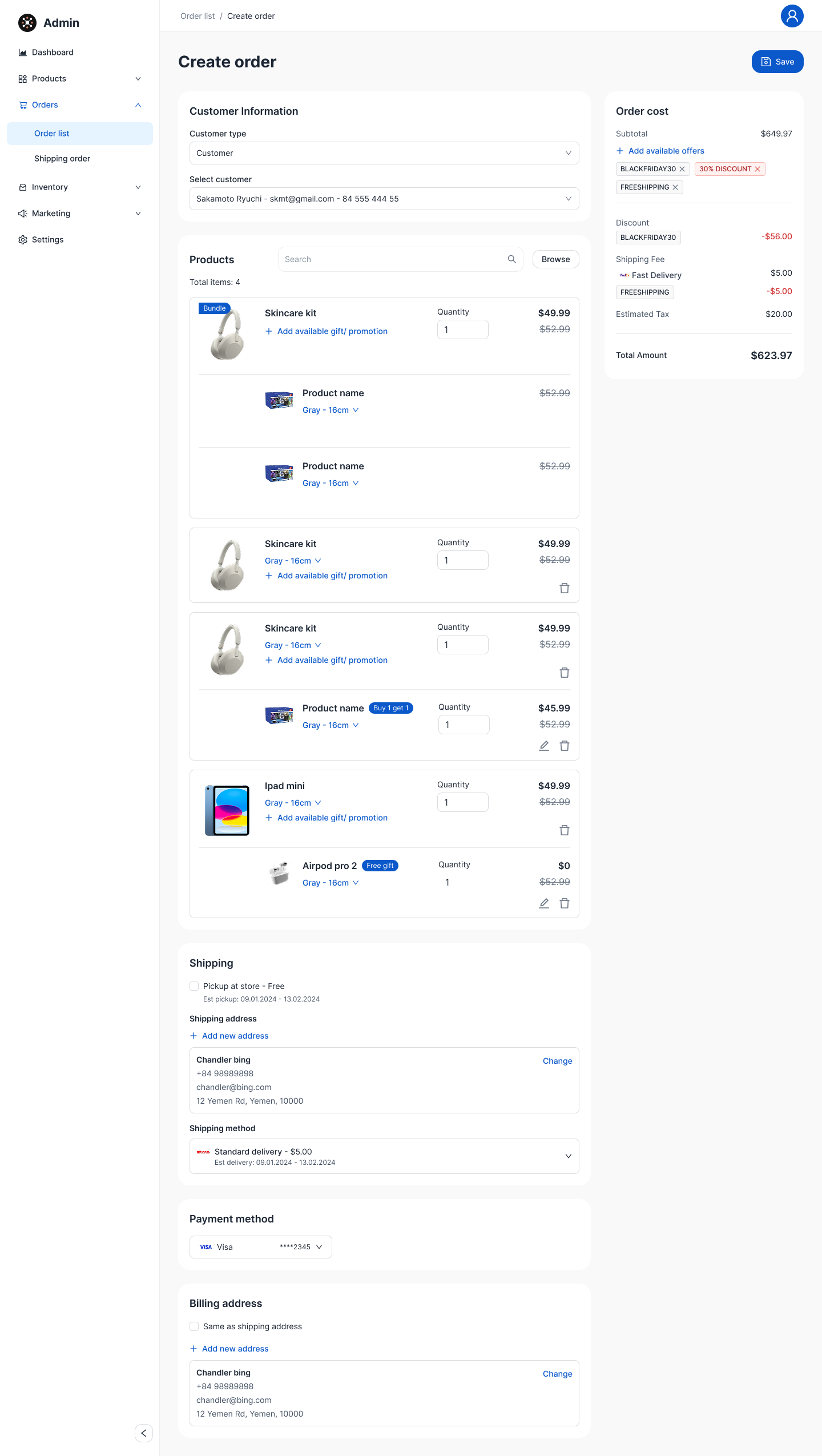
Once a store is live, ONE's admin dashboard is where a seller spends the rest of their time: watching performance, keeping the catalog and stock accurate, building orders manually when a buyer calls in, and — for B2B sellers with a purchasing team — controlling who can request, and who can approve.
Team & Permissions
B2B sellers on the Manufacturing and Logistic templates run purchasing through a team, not one account — this is the split we designed for, addressing the “Price negotiations” and “Ordering process” pain points directly: whoever can request a quotation or order should not always be who can approve it.
| Role | Manage staff | Manage admins & teams | Manage configs | Create quotations | Create orders | Create complaints | Approve quotations | Approve orders | Approve complaints | Approve & sign legal docs | View all |
|---|---|---|---|---|---|---|---|---|---|---|---|
| Account Owner | |||||||||||
| Operation Admin | |||||||||||
| Purchase Manager | * | ||||||||||
| Purchase Staff |
AI — a co-pilot for the seller, a concierge for the buyer
Phase 4 layered one assistant into two very different jobs: inside the setup wizard it interviews the seller to configure their store faster than the manual feature tree; on the storefront it becomes the buyer's shopping assistant, embedded on every template the same way the six-page flow is.